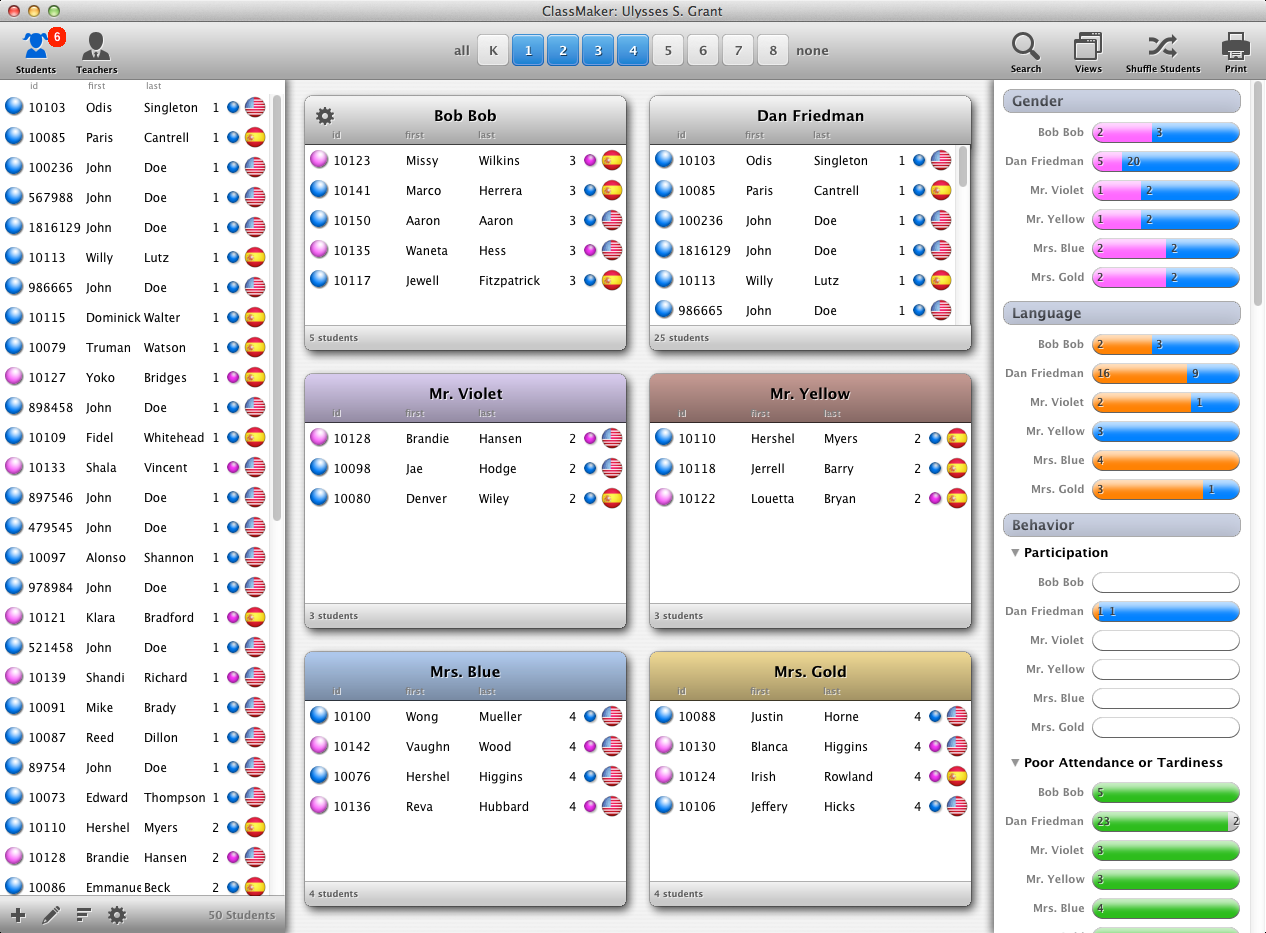
ClassMaker's design and layout is easy to understand and follow. There are four main sections:
THE TOOLBAR
The Toolbar contains a number of useful settings and options.
THE STUDENT/TEACHER LIST
Your student/Teacher list is on the left. This list can display your list of students and teachers
TEACHER VIEWS
Each teacher has a view of her own that shows which students are currently assigned to that student.
CLASSROOM STATSITICS
This area on the far right of the Main Screen displays a graphical representation of each classroom to view and compare the classrooms.