- support@clearvisiontech.com
- (909) 484-2052


The Missing Grades utility will show you any fields that are empty on the report card.
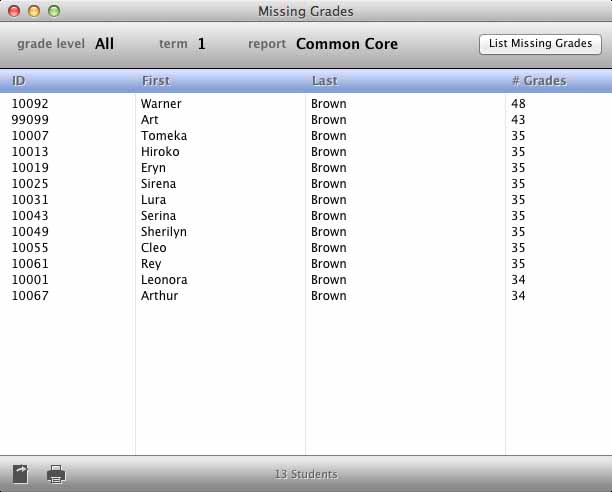
Next, choose the desired term from the Term popup menu.
Finally, click the List Missing Grades button. Any fields that are on the selected report, that are from the selected term that are empty, will be displayed.
You can print or save the results with the  Print or
  Save As button.