- support@clearvisiontech.com
- (909) 484-2052


 Editing School Data
After selecting the school that you want to edit, click the School tab to access the selected school’s information.
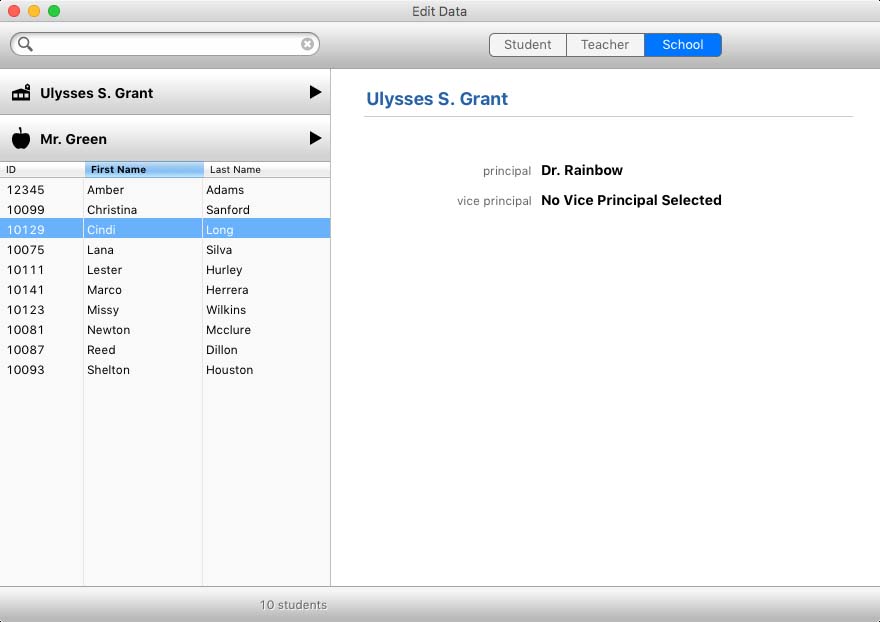
If you don't see the principal (or vice principal) in the list, verify that the user has an account (in the teacher area) and that she is defined as a principal (or vice principal).