- support@clearvisiontech.com
- (909) 484-2052


 Export Results
In the Export Data window, click the Export Results button at the top of the window to view the exported data.
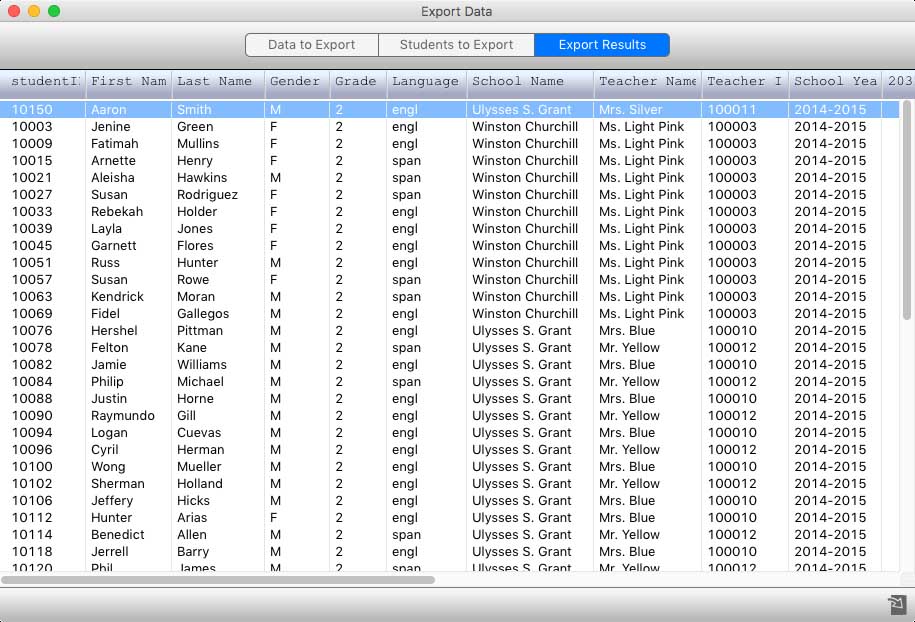
If you need to change any of the export settings, click the Data to Export or Students to Export buttons and make the necessary changes. Click the Export Results button again and SIMON will run the export again.
To save the exported data, click the  Save As button.