- support@clearvisiontech.com
- (909) 484-2052


 Students to Export
In the Export Data window, click the Students to Export button at the top of the window to define which students to export data.
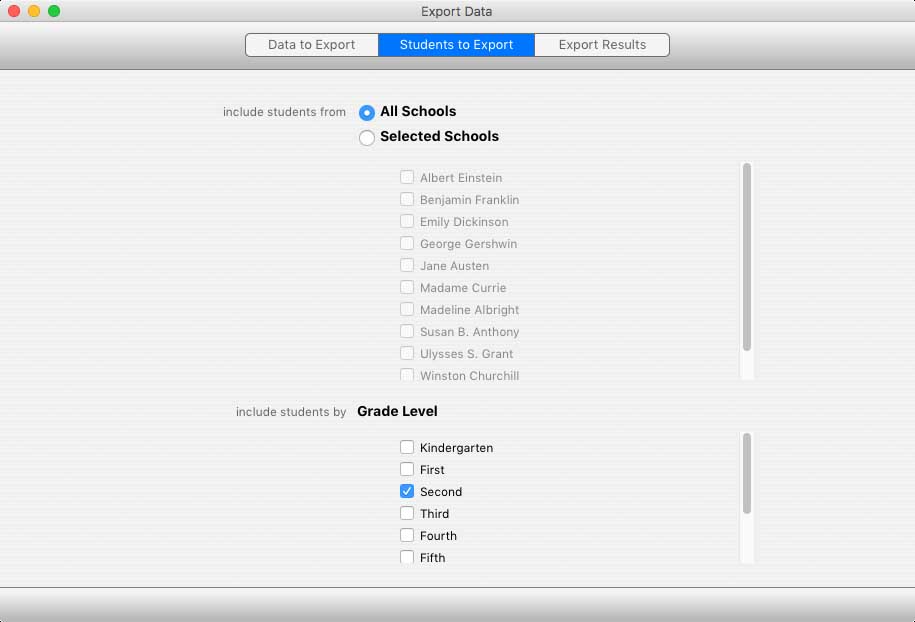
You can choose to select data from any combination of schools. Click the All Schools button to include students from all schools. Click the Selected Schools button to select schools individually.
INCLUDE STUDENTS BY
Once you have selected which schools to include, you can select which students to export.
Using the Include Students By popup menu, you can choose to include students by: