- support@clearvisiontech.com
- (909) 484-2052


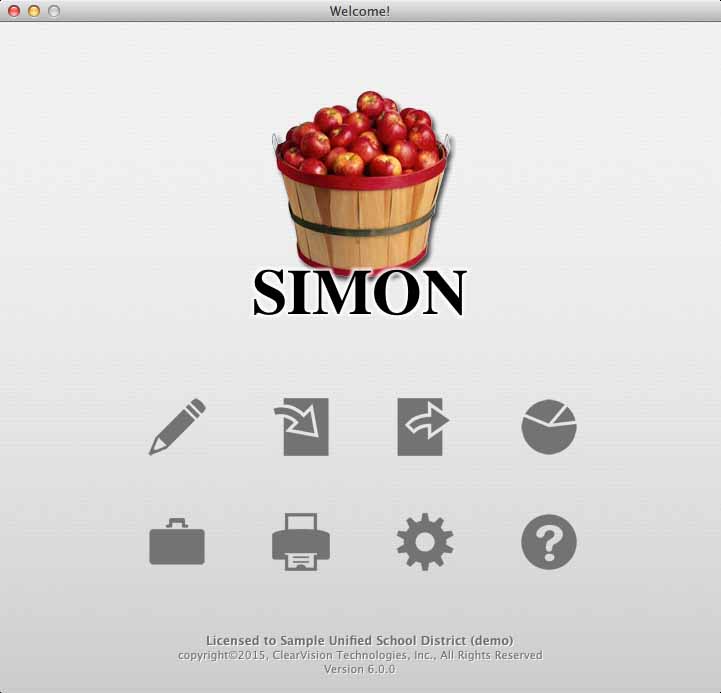
SIMON contains eight general areas:
 Edit Data - Edit school, teacher and student data in RCM.
 Import Data - Import data into RCM.
 Export Data - Export data from RCM.
 Statistics - Get statistical data on grades entered by the teachers in RCM.
 Utilities - A variety of functions and tools to manipulate data and settings.
 Printing - Print student report cards one at a time, or all at once.
 Preferences - Settings for both SIMON and RCM.
 Help - I'm stuck! Access to this user guide.