- support@clearvisiontech.com
- (909) 484-2052


SIMON is accessed through RCM. So begin by double-clicking the RCM application icon.
LOGIN
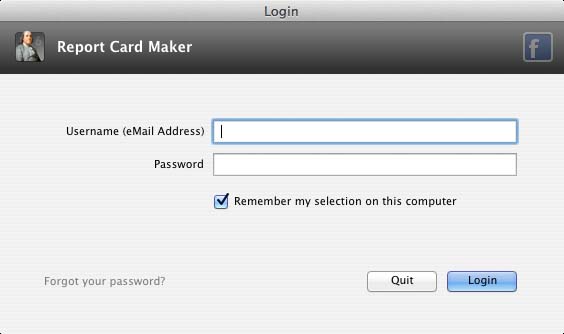
To access SIMON, you'll need the master login for your district, or another account that is set to administrator. If you do not know the master login for your district or school, contact ClearVision and we'll help you out.
If you check the Remember my selection on this computer checkbox, RCM will remember your eMail address and password so you won't have to type it in next time.
Click the Login button to login to RCM.
FORGOTTEN PASSWORDS
If you should forget your password, click Forgot your password? and have your password eMailed to you.